Best Passport Photo Apps for U.S. Compliance in 2026
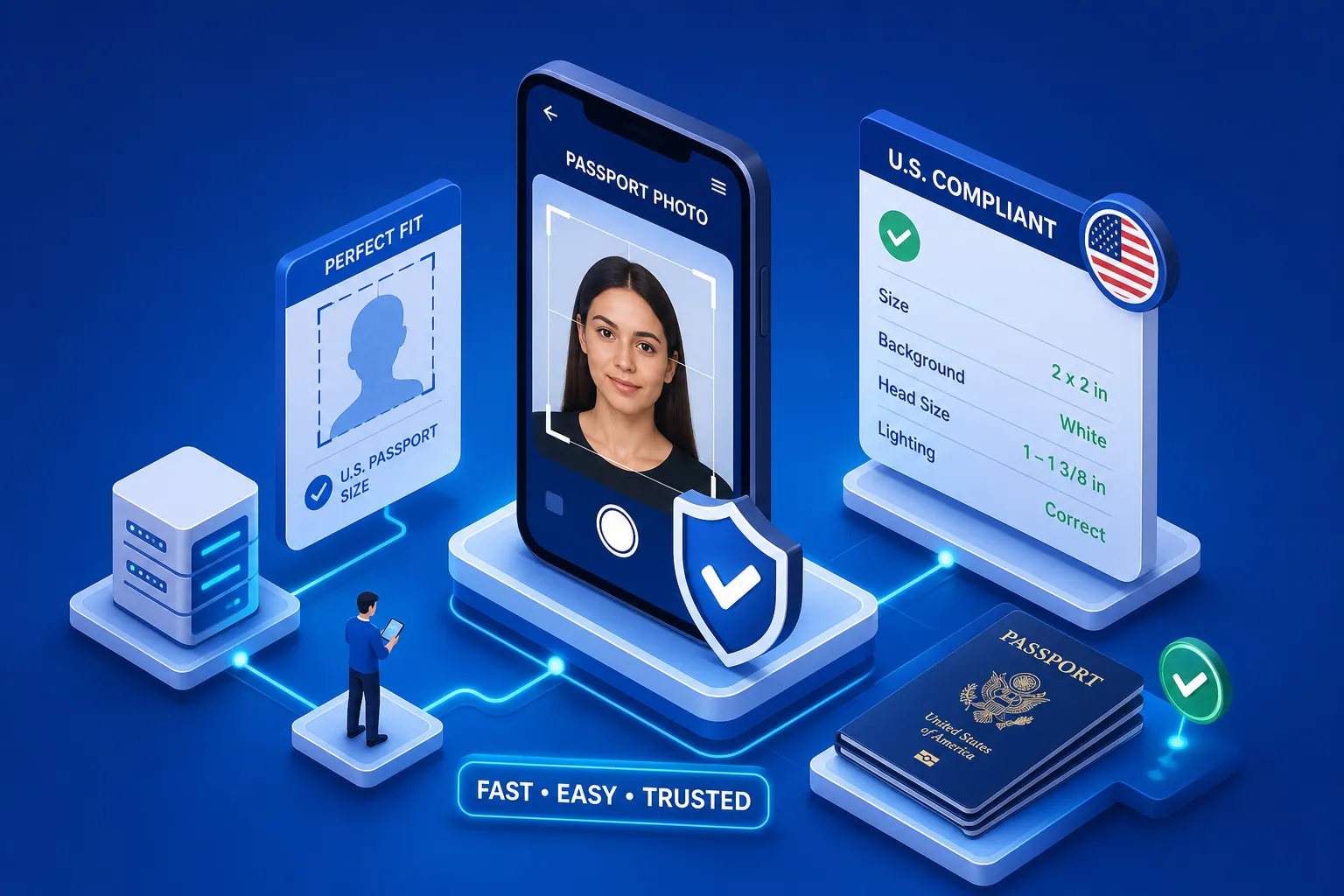
My brother-in-law had his passport renewal photo rejected at the post office last spring. The photo looked fine to every human who saw it. The background was white. His face was visible. He wasn't wearing glasses. Still, the acceptance facility flagged it for incorrect head-to-frame ratio, and he lost two weeks plus a rebooking fee. If you've ever wondered what is the best app to make a compliant passport photo, one that actually passes government screening, that rejection is exactly why the answer matters. After testing a dozen options against the State Department's own photo tool, one service set the benchmark early: Passport Photo Hub, which layers AI compliance checking with human expert review and guarantees acceptance or refunds your money. Everything below is measured against that standard.
What "compliant" actually means for a U.S. passport photo
Most people assume compliance means a clear photo with a white background. The actual standard is far more specific. The State Department requires a 2x2 inch image, a head height between 1 and 1.375 inches from chin to crown, eyes positioned between 1.125 and 1.375 inches from the bottom of the frame, and a plain white or off-white background with zero shadows or patterns.
For digital submissions through MyTravelGov, the file must be JPEG format, between 600x600 and 1200x1200 pixels, and under 240 KB. The head must fill 50 to 69 percent of the total image height. As of 2026, the State Department also explicitly prohibits AI-altered or digitally filtered photos, including skin smoothing, synthetic backgrounds, and beauty filters. That rule alone disqualifies output from several apps that advertise themselves as passport photo tools.
Why photos get rejected even when they look fine
The gap between "looks fine" and "is compliant" is where most rejections happen. Shadows on the background from improper lighting, a slight head tilt, glasses (banned since 2016), and a head-to-frame ratio that's off by a few millimeters are the most common disqualifiers. None of these are visible to an untrained eye, which is exactly why automated compliance checking matters. A human looking at the photo sees a person. The government's system sees a set of measurable biometric parameters.
What is the best app to make a compliant passport photo? Here's how I evaluated them
I tested each app using the same reference photo: consistent natural lighting, white wall background, neutral expression, no glasses. Each output was run through the State Department's online photo tool for independent validation. My five criteria were: how deeply the AI checks biometric proportions (not just background color), whether a human expert reviews the output, the exact scope of any acceptance guarantee, processing speed, and actual total cost including hidden unlock fees.
What the State Department's AI photo ban changes for 2026
This is the differentiator most reviews in 2026 ignore. Apps that merely crop, resize, and convert a background to white are fine under the current rules. Apps that apply lighting normalization, skin smoothing, or AI-generated backgrounds are not. The State Department's enforcement uses automated screening for GAN-artifact signatures and unnatural skin texture uniformity. For an overview of the updated rules, see the 2026 passport photo requirements. A photo that passes an app's internal checker can still fail the government's system if the app applied any form of digital enhancement to the image. Human review is the only reliable way to catch this before submission.
Passport Photo Hub: the strongest compliance guarantee available
Passport Photo Hub is the clear top pick, and the reason is specific: it's the only service tested that combines AI compliance checking, human expert review, and a 100% money-back acceptance guarantee into a single workflow. That combination is not a marketing bundle. Each layer does a distinct job.
How the dual AI and human verification process works
The workflow is straightforward. You upload a smartphone photo, and the AI engine validates biometric proportions, checks the background, crops to the required 2x2 inches, and verifies resolution and file size in approximately 500 milliseconds. A human expert then reviews the output before delivery, flagging anything the algorithm rated as borderline, edge shadows, slight head tilt, or hairline obscuration. You receive a verified compliant image, not just an AI-processed one. That human layer is what the acceptance guarantee is actually built on.
What the 100% money-back guarantee actually covers
If any government agency rejects the photo for compliance reasons, the cost is refunded. The guarantee covers U.S. State Department passport applications and USCIS document filings. Compare this to competitors who explicitly state they do not guarantee photo acceptance, despite offering a refund on premium add-ons. A guarantee that applies to a premium add-on before you use the product is not the same as one that applies when your actual application fails, a distinction that matters.
Delivery options: digital download vs. printed copies
Passport Photo Hub offers immediate digital download of the compliant image file plus physical print delivery shipped to your address. Digital is the right choice for online passport renewal through MyTravelGov. Physical prints are required for in-person applications at acceptance facilities and post offices. The smartphone-first workflow means no scanner, no pharmacy trip, and no scheduling required. For USCIS filings that require multiple biometric photos, the physical print option eliminates a separate errand entirely.
Five more passport photo apps worth knowing about
Some readers want to comparison shop before deciding. Here's how five other apps stack up against the same five criteria.
Apps with solid compliance records
Smartphone iD uses AI checks combined with human expert verification and is built specifically around DoS compliance requirements. It offers free retakes if a photo is rejected, which is a meaningful safety net. It holds a 4.7-star rating on the App Store and a 4.2-star rating on Trustpilot from over 400 verified reviews. The caveat: some users report photos being rejected despite initial approval, which suggests the human review layer is less consistent than Passport Photo Hub's.
Passport Photo Online also uses human review and claims DoS compliance with an acceptance guarantee. It's a workable alternative for straightforward applications. The service notes that results may vary depending on input quality, an honest caveat, but also a meaningful limitation if your source photo isn't ideal.
Where the rest of the field falls short
PhotoGov explicitly disclaims any acceptance guarantee. Since compliance assurance is the primary reason to use a passport photo app over taking your own photo, that caveat should weigh heavily in your decision. Visafoto is fast and priced around $5, but it relies entirely on automated checking without a human review layer, which creates real risk under the 2026 AI alteration policy. Some iOS apps, including at least one with "Passport Photo" in the name, lock color output and background removal behind separate paywalls, turning a $2.99 ID photo app into a $17-plus purchase before you have anything usable.
What these apps actually cost (and what's hidden)
Most apps advertise a low entry price that doesn't reflect the actual cost. The honest breakdown: pay-per-photo services run $5 to $7 for a digital download. Print delivery adds $3.99 to $9.99 depending on the service. Free tiers on most apps include watermarks, which means you can't use the output without paying.
Watch for these specific traps: watermarked free tiers on Passport Photo Online and similar services; paywalled compliance checks on PersoFoto; locked color output on the iOS Passport Photo app, which carries an additional $9.99 unlock fee; and mandatory credit card entry on apps that advertise themselves as free on Google Play.
The cheapest way to get a compliant photo using an app
For pure cost minimization on in-person applications: use a passport photo app that generates a compliant 4x6 print sheet and print at a retail pharmacy for $0.39 to $1.00 per sheet. ID PhotoPrint handles this well for people with flexible timelines and no compliance concerns. For digital submissions through MyTravelGov or USCIS online portals, a one-time pay-per-photo service runs $5 to $7 and delivers a verified file immediately.
Is the acceptance guarantee worth paying more for?
Yes, if you're applying with a deadline. A rejected photo at an acceptance facility means rebooking, additional fees, and processing delays. A $6 to $7 app with a money-back acceptance guarantee costs less than the average rescheduling fee. For USCIS filings or first-time passport applications, the guarantee removes the most expensive risk in the process. For a routine renewal with no time pressure, a cheaper option may be acceptable. For anything with real consequences attached, the guarantee is worth the small premium.
How to take a smartphone photo that actually passes
Even the best passport photo compliance tool can't fix a poor source photo. The government's biometric screening runs the same parameters the apps do, so a rejection at the app level predicts a rejection at the acceptance facility. Get the source photo right, and the app has something to work with. For an official summary of those standards, consult the published U.S. passport photo requirements.
Setup: lighting, background, and positioning
Use natural daylight from a window facing the subject, not behind them. A plain white wall or white poster board works as the background. Avoid overhead lighting that casts shadows under the chin or on the background. Position the phone at eye level, arm's length from the subject, using the standard or 2x lens rather than wide-angle mode. Stand the subject about 18 inches from the background to prevent background shadow. These conditions produce the cleanest biometric proportions for the AI to validate.
What to fix before you press the shutter
Remove glasses. Pull hair away from the face if it obscures the hairline; the compliance engine needs a clear chin-to-crown measurement for accurate biometric scoring. Use a neutral expression or a natural closed-mouth smile, open mouths fail biometric checks. No hats unless for documented religious reasons. Wear a color that contrasts with white so the subject doesn't blend into the background. Take five photos and let the app score them for compliance before you choose one. The difference between your best and worst frame is often the difference between accepted and rejected.
The bottom line: choosing the best app to make a compliant passport photo
A rejected photo isn't just an inconvenience. It's a real delay with real costs attached. So what is the best app to make a compliant passport photo? It's the one that measures against actual government standards, uses human review to catch what the algorithm misses, and backs the output with a guarantee you can actually claim.
Passport Photo Hub checks all three. For U.S. passport and USCIS applicants who want zero risk, that combination is the clear choice. For those willing to accept more uncertainty for a lower upfront price, Smartphone iD and Passport Photo Online are reasonable second options, though neither matches the same guarantee structure. Either way: use an app with a compliance checker, don't skip the human review layer if it's available, and take the source photo seriously. The app can only work with what you give it.